
Play 3D Baseball Games Online for Free
No download. No sign-up. Play on your phone or computer.
These free 3D baseball games run in your browser—time your swing to find a gap in the defense, or send one over the outfield wall. After contact, watch a slow-motion replay to see whether your next swing should come a little earlier or later. New here? Turn on Aim Assist and start with the first Career level.

Practice First or Jump Into a Game?
Want to practice at your own pace? These 3D baseball games open in your browser with no install. Choose your pitch type, speed, and location in Practice mode. For a batting-only scoring challenge, try Home Run Derby. Against the AI, you alternate pitching and hitting, with baserunning handled for you. Once you know the controls, try the Daily Challenge for a new goal.
How to Play: Aim, Swing, and Add Power
Start with Aim Assist on. Try manual batting when you're ready.
01Aim at the Pitch
Move your mouse on desktop or drag on mobile to line up the hitting reticle with the ball. With Aim Assist on, the game helps you aim.
02Time Your Swing
With Aim Assist on, wait until the ball nears the reticle. Left-click, press Space or J, or tap Swing on mobile. In manual mode, you need to start your swing earlier.
03Try a Power Swing
Right-click or press K on desktop, or tap Power Swing on mobile, for more power. Your reticle gets smaller, so focus on making solid contact before swinging for distance.
- WASDArrows
- Move the hitting reticle
- SpaceJ
- Swing
- KRight-click
- Power Swing
- PEsc
- Pause
Having Trouble Aiming?Choose Assist or Auto Aim in the sidebar for help lining up the ball and a more forgiving swing window. Aim Assist is disabled in the Pro League chapter.
Want Another Look?Once the result of your hit appears, select Replay in the game toolbar to watch it in slow motion. If the button is grayed out, replay is not currently available.
After contact, click or tap the field to skip ahead. Use the lower-left toolbar to pause, mute the sound, or check the controls.
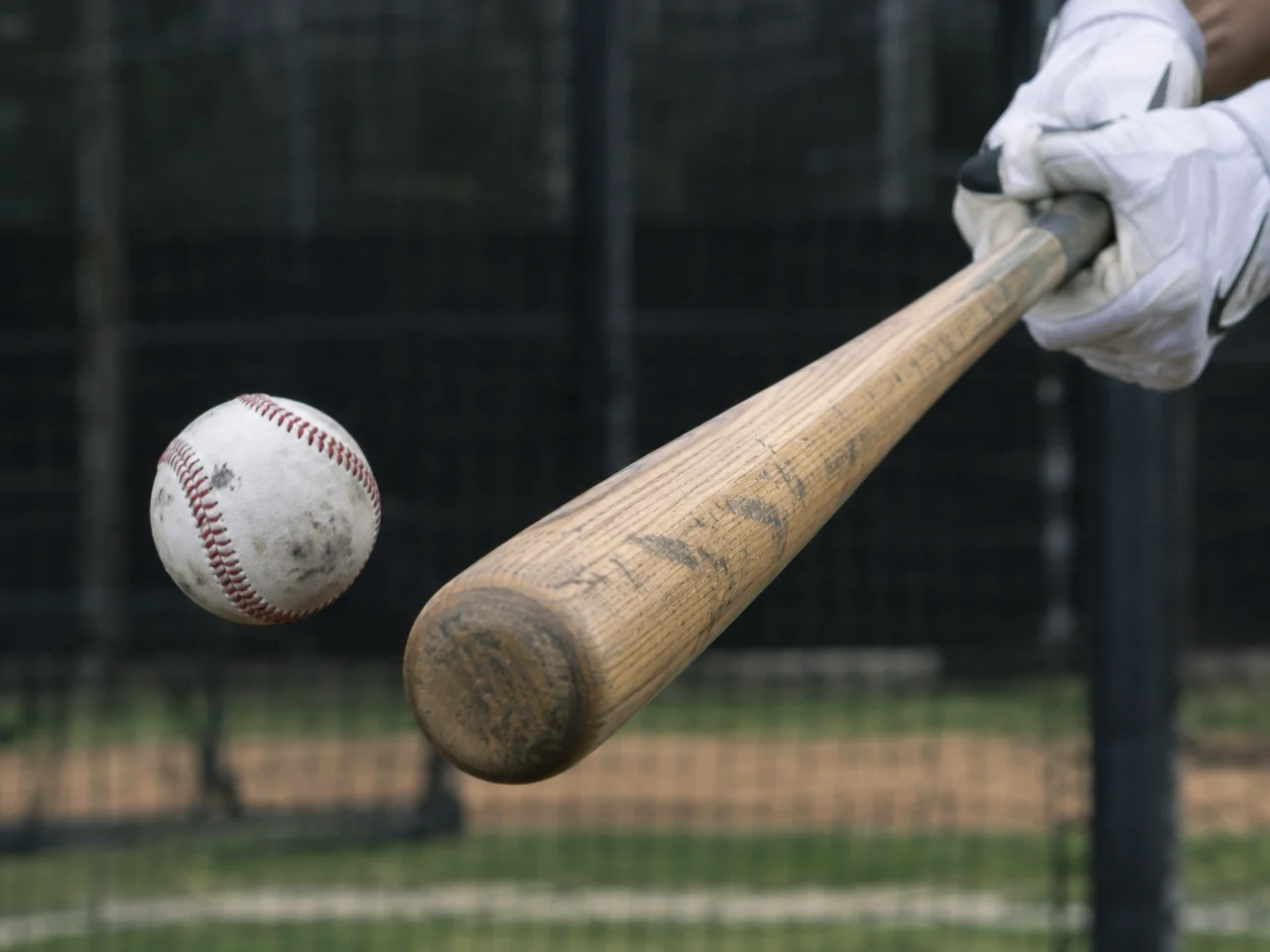
Want More Distance? Start With a Normal Swing
A normal swing gives you a larger reticle and more room to work on your timing. With Aim Assist on, watch when the ball reaches the reticle. Once you're making contact consistently, try a power swing and compare the distance. In manual mode, you can also adjust where you make contact: a ball near the center of the reticle usually comes off the bat on a flatter path, while one slightly above center is more likely to get airborne. Higher isn't always better, though—a fly ball that lands in a fielder's glove is still an out.
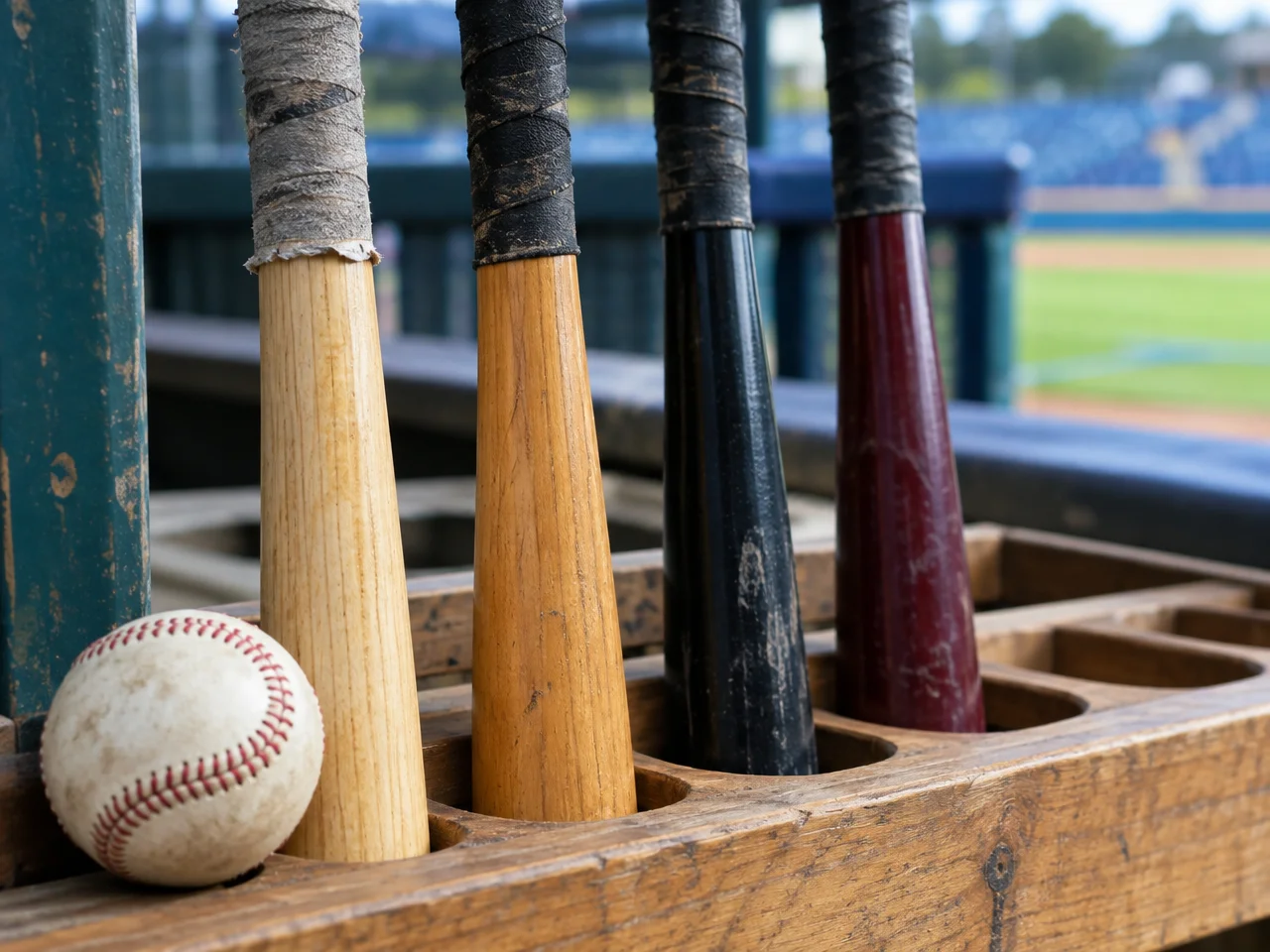
Missing the Ball? Try a Bat With a Larger Reticle
The starter ash bat is well balanced, so there's no rush to replace it in the early levels. If you're missing the ball while aiming manually, try the Bamboo bat once you've unlocked it; its larger reticle gives you more room for error. When your contact is more consistent, consider Black Gold or Thunder for extra power, or Carbon Fiber for a faster swing. Change one bat at a time and face the same pitch for a few swings to get a feel for the difference.

You Don’t Have to Clear the Fence to Get on Base
A low line drive that drops between two fielders can be a base hit. To work on direction, pick one pitch type in Practice mode. For a right-handed hitter, an earlier swing tends to pull the ball toward left field, while a later swing sends it toward right; it's the opposite for a lefty. Start by changing where the ball lands, then work on handling different pitches. That's an easier way to build control than chasing maximum distance from the start.
Online Baseball FAQ
What makes these 3D baseball games different?
You can see how each hit develops, not just wait for a score. After contact, the game shows exit velocity—the speed of the ball off the bat—along with launch angle and distance. A slow-motion replay helps you see whether you hit the ball too low, got under it, or sent it foul. After the ball lands, fielders chase it down, field it, and make the throw. Hitting it a long way doesn't guarantee you'll reach base, and a ball that drops between fielders can still be a hit. To see what swing timing changes, choose one pitch type in Practice mode and try hitting to different parts of the field. Start with Aim Assist on, then try manual batting when you're comfortable.
Is this baseball game free? Do I need to download anything?
Yes, it's free to play online. There's no app to download and no account to create. Open this page in a supported desktop or mobile browser and wait for the game to finish loading. You'll need an internet connection for the initial load, so keep the page open until the game is ready.
Where should I start if I don’t know baseball?
Start with the first Career level. The coach throws manageable fastballs so you can focus on putting the ball in play without learning pitching and baserunning right away. For more control over your session, choose a pitch type and speed in Practice mode. If you'd rather jump into a home run competition, try Home Run Derby.
How do the desktop and mobile controls work?
On desktop, move your mouse to aim the hitting reticle. Left-click or press Space or J to swing; right-click or press K for a power swing. On mobile, drag to aim, then tap Swing or Power Swing. With Aim Assist on, wait until the ball nears the reticle before swinging. The game helps with aim and gives you a more forgiving timing window. With assistance off, you control both aim and timing. Start your swing before the ball gets to you—don't wait until it's already at the plate.
Why do I keep swinging and missing or hitting foul balls?
First, check that Aim Assist is enabled in the sidebar. Then use normal swings against one pitch type. If the timing meter keeps showing Early, wait a little longer on the next pitch. If it keeps showing Late, swing sooner. Changing one thing at a time makes it easier to find your timing than switching bats and approaches after every pitch. In manual mode, make sure the reticle covers the ball, too. Assistance doesn't guarantee contact, and it's disabled in the Pro League chapter. There's no need to rush into higher difficulties—putting the ball in play consistently is progress.
How do I hit a home run?
A home run, also called a homer, usually means a fair ball has cleared the outfield fence on the fly. In this game, height alone isn't enough: the ball also needs enough speed and the right direction. When batting manually, try placing the ball slightly above the center of the reticle to get it in the air. A power swing adds strength but makes the reticle smaller. Get too far under the ball, and you may give a fielder an easy catch. Wind, elevation, and fence distance also matter. No single launch angle or exit velocity guarantees a home run every time.
How does Home Run Derby scoring work?
You get 10 outs, and home runs earn points based on distance. Consecutive home runs increase your multiplier. Every fifth pitch is a Golden Ball that doubles your home run points, and hitting a glowing target in the stands earns a bonus. Any swing that doesn't produce a home run counts as an out—including a miss, a foul ball, or a regular base hit. Taking a pitch does not count as an out. Your round ends after 10 outs, and your best score is saved in the browser you're using.
How do I pitch against the AI?
You pitch in the top half of each inning and hit in the bottom half. To pitch, choose a pitch type at the bottom of the screen, then click or drag on the field to set your target. Press Pitch to start the meter, then press it again as the indicator approaches the green area in the middle. The closer you stop it to the center, the closer your pitch will generally be to your target. A pitch outside the strike zone isn't always wasted—the AI decides whether to chase it. But throw too many balls, and you could walk the batter.
How do runs and outs work? Do I control the runners?
A runner scores one run by reaching home plate. Three strikes make a strikeout; four balls give the batter a walk. A foul ball adds a strike unless the batter already has two. After three outs in a half-inning, the teams switch sides. The game handles baserunning after a hit, so you don't need extra buttons for the runners. Exhibition games against the AI can last one, three, or five innings. Career levels and Home Run Derby have their own objectives, so check the rules shown before you start.
Can two people play? Is there online multiplayer?
You can take turns on the same device, but there's no online multiplayer between separate devices. Party mode supports two to four players, with three, five, or 10 outs per player. Scores follow the Home Run Derby rules. This is a pass-and-play batting competition, not a mode where one person pitches while another hits at the same time. To play both sides of a pitching-and-hitting matchup, choose a game against the AI.
How many Career levels are there, and how do I unlock bats?
Career mode has 30 levels across five chapters, with up to three stars per level. You start with the ash bat and unlock the other six bats at totals of 4, 10, 18, 28, 40, and 70 stars. Bats differ in power, reticle size, and swing speed. You can replay completed levels to earn more stars. The game keeps your best rating, so a lower-scoring attempt won't cost you stars you've already earned.
Does the Daily Challenge change every day?
Yes. The Daily Challenge updates based on the date on your device. It may ask you to collect hits, build up total distance, hit home runs, or hit glowing targets. Before you start, you can check the objective, field conditions, and star requirements. You can try again as often as you like that day; the browser keeps your best result.
What should I do if the game runs slowly or my phone gets hot?
Open the gear icon labeled Settings in the game toolbar and try Balanced or Power Saver graphics. Power Saver disables real-time shadows and reduces scene detail. Changing graphics quality returns you to the menu, but it won't erase saved Career progress. Your mobile browser needs hardware-accelerated WebGL support. Performance depends on your device, browser, and temperature, so image quality and frame rate won't be identical on every phone. The game adjusts resolution as needed. Keep an eye on your device's temperature during longer sessions, too.
Is my progress saved without an account? Can I continue on another device?
Yes, your progress is saved without an account, but only in the browser you're using. That includes Career stars, unlocked bats, personal records, and local high scores. There's no cloud save, so progress won't automatically follow you to another phone, computer, or browser. Clearing the site's data or playing in a private browsing session can also cause you to lose progress. To keep your scores, use the same browser on the same device and leave this site's data intact.
How are pitch movement and ball physics calculated? Can I use this for real baseball training?
The game calculates air resistance and the effects of spin, which is why fastballs, curveballs, sliders, and other pitches move differently. After contact, it also calculates the ball's flight, bounces, and fielding pursuit. Collisions, assistance, and game rules are simplified to keep the game playable. This is a baseball game, not a validated training tool. It can help you explore pitch movement and hitting direction, but real-world swing mechanics and training plans should be guided by a coach.
